



Adalat AI
AI Agents
An AI agent that works inside your 3D design and modelling tools
4.6MB · 900px tall · uses BT Grotesk, Geistmono
Industry
AI Agents, Productivity
Style
Brutalist, Illustrative, Monochrome
Stage
Private
Built with
Webflow
About the site
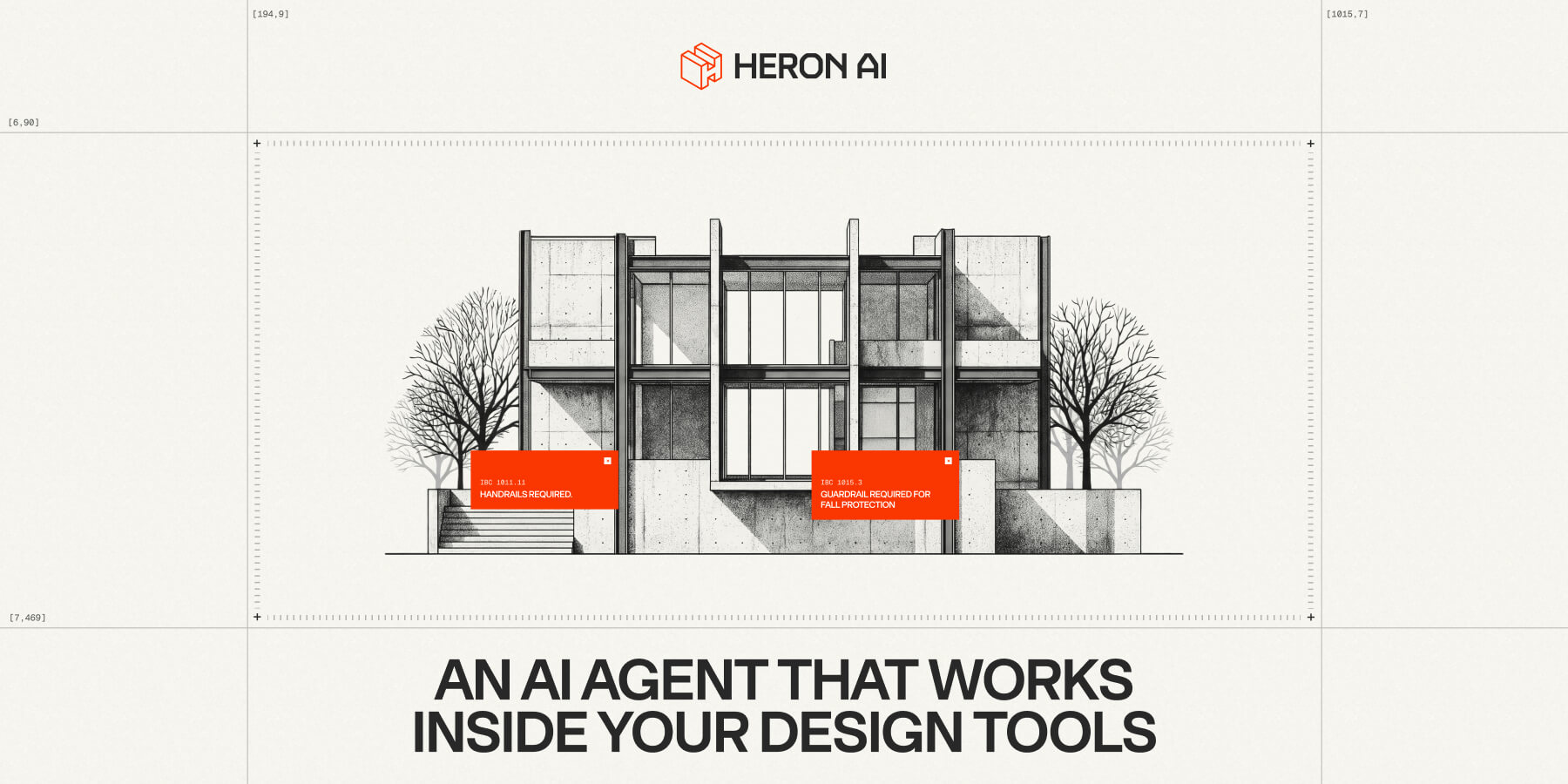
Heron is an AI agent that runs inside design and modelling software, spotting problems in the model and making fixes once you approve. The homepage looks like a technical drawing sheet: a pale grid of hairline rules and crosshair marks frames a detailed pen-and-ink illustration of a modernist concrete house, with red markers where the agent has flagged issues. A great reference for tools aimed at architects, engineers, and designers.
For architects buried in repetitive modelling: dressed as a drawing sheet, it lets them find violations on a plan themselves.
Primary navigation
A pen-and-ink modernist concrete house on a hairline drawing-sheet grid, with red markers where issues sit, a 'Click and drag your mouse to see violations' tooltip, and 'An AI agent that works inside your design tools'.
Why it converts: The drawing-sheet style tells an architect instantly that this was made for them, and the drag-to-inspect hint turns the first second into a hands-on demo.
'The repetitive parts of modelling shouldn't eat your day…' in heavy caps beside a red sun behind a tower sketch, over a client strip: Verdant, Northbridge, Alcove, Skyline.
Why it converts: It names the pain in the architect's own words and promises what they want back: time to focus on design, not software.
'Your design tools do what you tell them, nothing more', then four isometric cards: Manual ('every change is on you'), Disjointed, Blind ('nothing watches for problems'), Slow ('small tasks pile up into lost days').
Why it converts: 'AI help sits outside your model' calls out the ChatGPT copy-paste workaround the reader probably uses today, setting up why a native agent is different.
Statements typed word by word ('Right there with you', 'For the whole design'), then a floor plan that draws itself in, with numbered red violation flags to click.
Why it converts: Watching an empty plan fill in and get flagged shows the agent's value in the medium architects trust most: the drawing itself.
A checklist: works with Revit, Rhino, ArchiCAD and SketchUp, understands geometry and intent, suggests fixes, and 'edits automatically after your approval', with every action 'shown to you first'.
Why it converts: Naming their exact software removes the switching fear, and 'after your approval' answers the professional-liability worry about AI editing a model.
'A chat that floats over your design tool': ask it about your model or tell it what to change, shown over a meeting-room plan.
Why it converts: A chat window over familiar software is an easy thing to picture using on Monday, which makes the jump to a demo feel small.


