AccessGrid
An API for issuing NFC access passes to Apple and Google Wallet, compatible with existing readers and access control systems
1.9MB · 8,899px tall · uses Inter var, ABC Diatype, Menlo
Industry
Style
Stage
Built with
Custom
About the site
AccessGrid is an API for mobile wallet credentials: it issues NFC access passes to Apple Wallet and Google Wallet that work with existing readers (MIFARE DESFire compatible) and access control systems, for offices, apartment buildings, hotels and public-sector sites. The homepage leads with 'Mobile wallet credentials made easy.' beside an iPhone holding a blue 'Alex Morgan' pass and a 'Hold near reader' prompt, set inside a faint dashed grid that runs through the whole page like a blueprint. A wall of hardware and identity logos (HID, Okta, CDVI, Farpointe Data) answers the compatibility question early, then a dark 'Never forget credentials wherever you go.' section fans a stack of wallet cards with Rippling, Gusto and Okta badges across Corporate ID, Multifamily and Hospitality tabs. Case studies from Quicknode, Badgepass and ICON South Beach, a five-step onboarding, an integrations diagram, live stats ('1,827,552 API requests served') and a dated changelog finish it. Exposing the request counter and changelog on the homepage is a developer-tool habit that also reassures a facilities buyer the service is busy and maintained.
How this page sells
For property and IT teams with legacy badge readers: prove wallet passes work with the hardware they already own, then show it's live and busy.
Primary navigation
- Developers
- Pricing
- About
- Sign in
- Get started
ClickTap a section to see it on the page
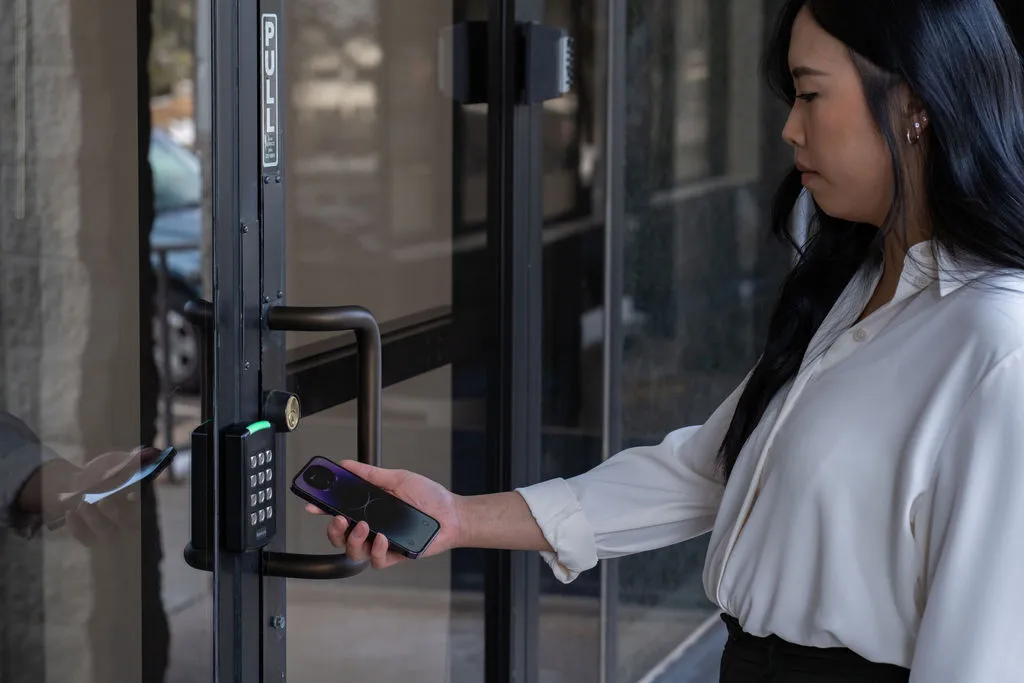
'Mobile wallet credentials made easy.' beside an iPhone with a blue 'Alex Morgan' pass and 'Hold near reader', with 'Go live in less than 30 days.' in bold and 'Used by apartment buildings, corporations and public sector worldwide.'
Why it converts: A pass in a phone wallet is instantly recognisable, and the 30-day go-live answers the fear that replacing badges means a year-long hardware project.
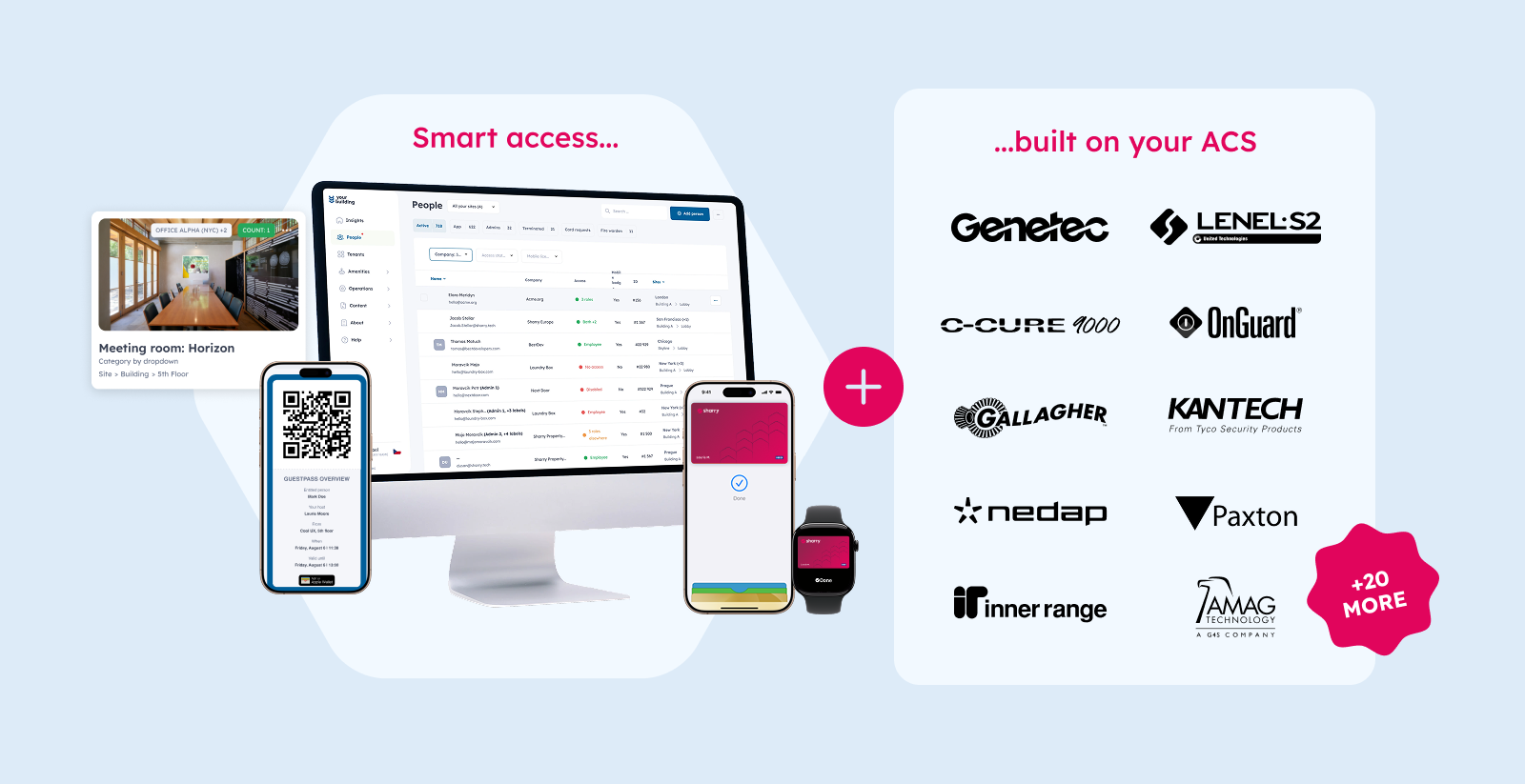
'Dozens of systems and readers are compatible today.' beside a ten-tile grid of logos including HID, Okta, CDVI, Farpointe Data, Dot Origin and Twilio SendGrid, with a 'View our integrations' link.
Why it converts: The buyer's first question is whether their existing readers work, so the hardware makers they already know answer it before any feature is named.
'We've done the hard work of getting widespread hardware manufacturer support… so you don't have to.' over three columns: a searchable reader list (HID Signo 40, Multiclass SE), customer logos, and a support chat with 'Happy to sit in.'
Why it converts: Framing reader certification and integrations as work already absorbed sells time saved, and the chat bubble shows real people helping with rollout at no extra charge.
A dark section, 'Never forget credentials wherever you go.', fans wallet cards with Rippling, Gusto and Okta badges under Corporate ID, Multifamily and Hospitality tabs, above notes like 'Identity integrated' and 'Biometrics on device'.
Why it converts: Showing the same pass across three verticals lets each buyer find their own use case, and the HR-system badges imply credentials provision and revoke themselves.
'Partnering with you to deliver outcomes that matter' with three case-study cards: Quicknode modernising office access, Badgepass building a wallet-native backend, and ICON South Beach replacing 'frustrating Bluetooth' credentials.
Why it converts: One corporate, one platform and one residential story mirror the three tabs above, so every segment sees a peer that already switched.
'A few simple steps to get started.' lists five numbered steps from 'Create a card template' to 'Deploy your credentials to your users!' beside a live card-template builder with Apple Wallet and Google Wallet toggles.
Why it converts: Breaking rollout into five steps, with a builder that already looks finished, makes a security project read like setting up a SaaS account.
Protocol logos (MIFARE, Google, Aliro, HID) lead into 'Connect to existing systems. Everything you like.', a hub diagram linking Postmark, Twilio, Zapier, n8n and IFTTT to Apple, Google and Samsung wallets.
Why it converts: Engineers evaluating an API want to see where it plugs in, and the diagram covers webhooks, platform integrations and identity managers in one picture.
'Built for reliability at any scale' beside a dotted globe, then a stat row: '1,827,552 API requests served', '100% Uptime this year', '4 Credential protocols supported', '11+ Countries with active users'.
Why it converts: Door access can't go down, so a precise request count and a perfect uptime figure give an infrastructure buyer evidence instead of adjectives.
'Changelog' with four dated entries, from 'Preview notifications in card templates' (Oct 12, 2026) to 'Microsoft Entra now supported' (Nov 4, 2026).
Why it converts: Dated releases weeks apart show an actively maintained product, which matters to a buyer handing it the keys to their buildings.
'Mobile credentials. Zero complexity.' with dashed selection boxes around two letters, Get started and Contact sales buttons, then a footer with an outlined AccessGrid wordmark.
Why it converts: The design-tool selection boxes echo the template builder, and two CTAs split self-serve developers from enterprise buyers who want a call.